A scene pack gives you the background picture, enemies, obstacles and other preparation in one file. No heroes or loot are included: bring your own party and choose your own rewards.
The Sealed Gate
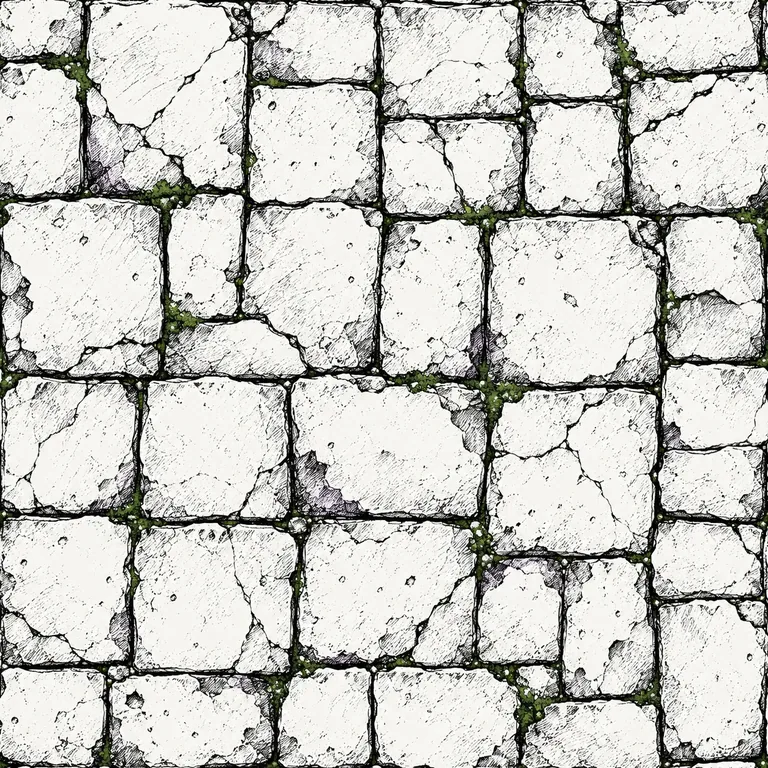
A hungry Pit Ghoul, an iron-banded gate and a roof that will not hold forever. A short encounter to try with your group or adapt for your own game.
Includes: one enemy, one Effort obstacle, a four-round countdown, a background picture and instructions for the GM. The pictures are inside the download; it does not depend on another GM's table.
Download The Sealed Gate scene pack
By Sacrament RPG · Scene edition 1 · File format 1 · Free to use in your own games.
This encounter is also available in the VTT's sample table. Importing it adds a separate copy; it never replaces your existing scene.
Add it to your game
- Download the file above. Keep it as one file; you do not need to open or unpack it.
- Open your VTT as the GM. In Scene, choose Import scene, select the file and press Add scene.
- Choose Prepare on the new scene to review it privately. When ready, choose Show to players.
Your existing heroes, loot, Horror and live encounter stay as they are. Imported timers are paused: start the countdown when appropriate. A countdown tracks rounds; it does not apply collapse damage automatically.
Share a scene you made
In the GM's Scene tab, choose Prepare on the scene you want to share (the live scene is already selected) and then Export scene. Review its descriptions and pictures, add any instructions you want to share, then download the file.
Exports exclude heroes, loot, player information, activity history and existing private notes. Anyone receiving the file can inspect its hidden encounter cards and any instructions you explicitly include. Remove personal or campaign information from descriptions, drawings and pictures before sharing.